One link where clients see progress and approve the work
Clients do not want another tool to learn. They want to know what is done, what is next and what needs their yes. Flori’s client page shows the part of a project you choose to publish, and the client approves from the same link.
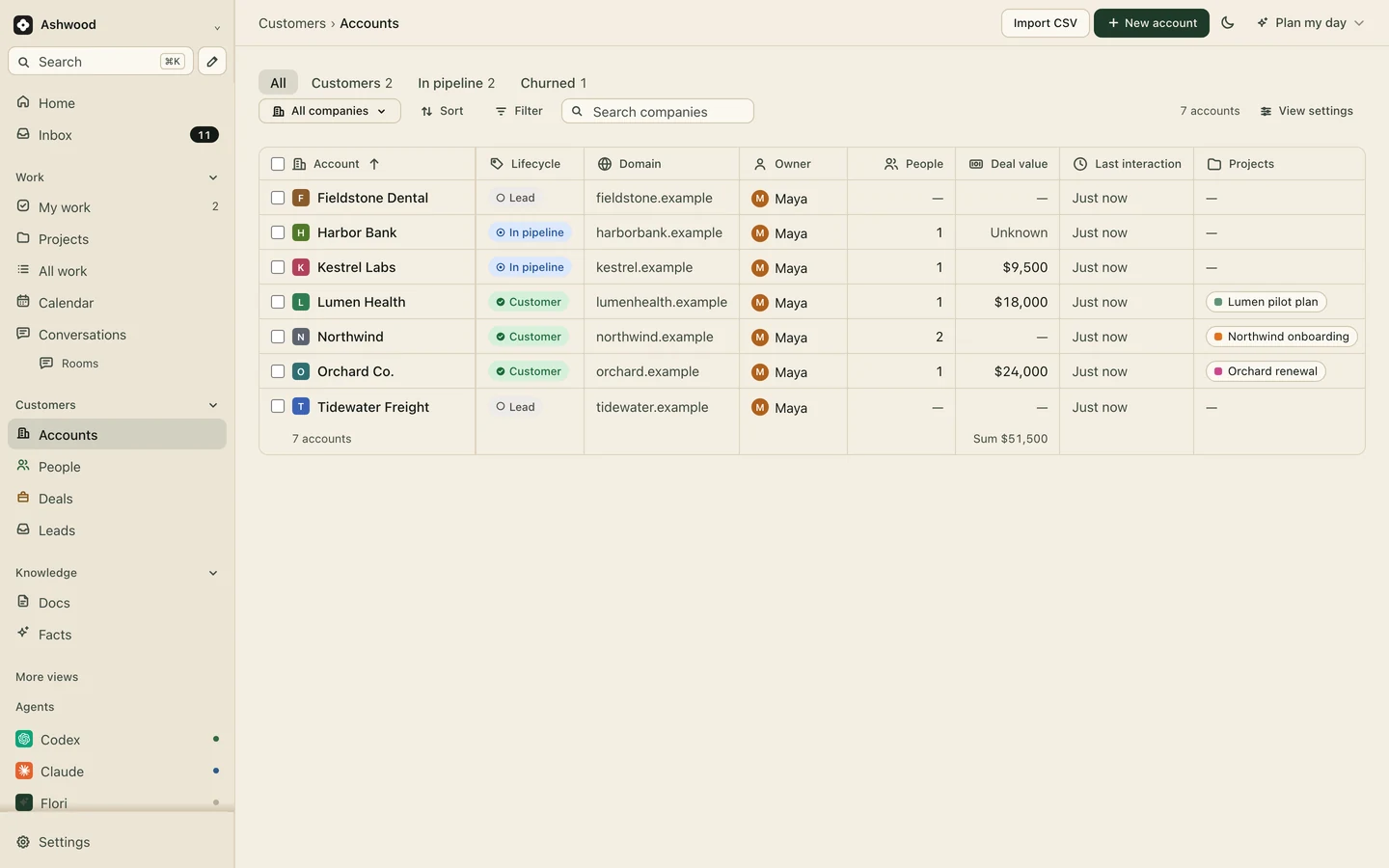
Fig. 1 · DemoEvery client, and the project each one follows
Why the shared folder and the Friday email stop working
Approvals with no version attached
The client replies “looks good” to a thread with three attachments. Two weeks later nobody can say which homepage they meant.
A folder nobody trusts
Homepage_v4_FINAL_approved(2).pdf sits next to v5. The client opens the wrong one and sends feedback on work you already changed.
Status emails nobody reads
Someone spends Friday afternoon rebuilding progress from the board and Slack. The client skims it, then asks the same questions on Monday’s call.
Publish four items, not your forty tasks
Your board holds internal tasks, rough drafts and the note about the slow legal review. The client page shows only what you publish: milestones, a finished draft, a document for review. Nothing reaches the client until you publish it.
Client pages: Core and up
Orchard Co. · Client page
Q4 landing pageWaiting for your approval
Email series, 3 sendsIn progress
Brand guidelines refreshApproved Oct 21
Campaign launchNov 14
The yes happens where the work is
The client opens the link, sees the deliverable and approves it there, instead of in a reply-all you have to dig out later. The next task can move the same morning.
Q4 landing page
Published to clientOct 23, Maya
Approved by the clientOct 24
NextBuild starts, Jordan
MApproved before the 10 o’clock. Build is unblocked.
Your team’s AI drafts, a person publishes
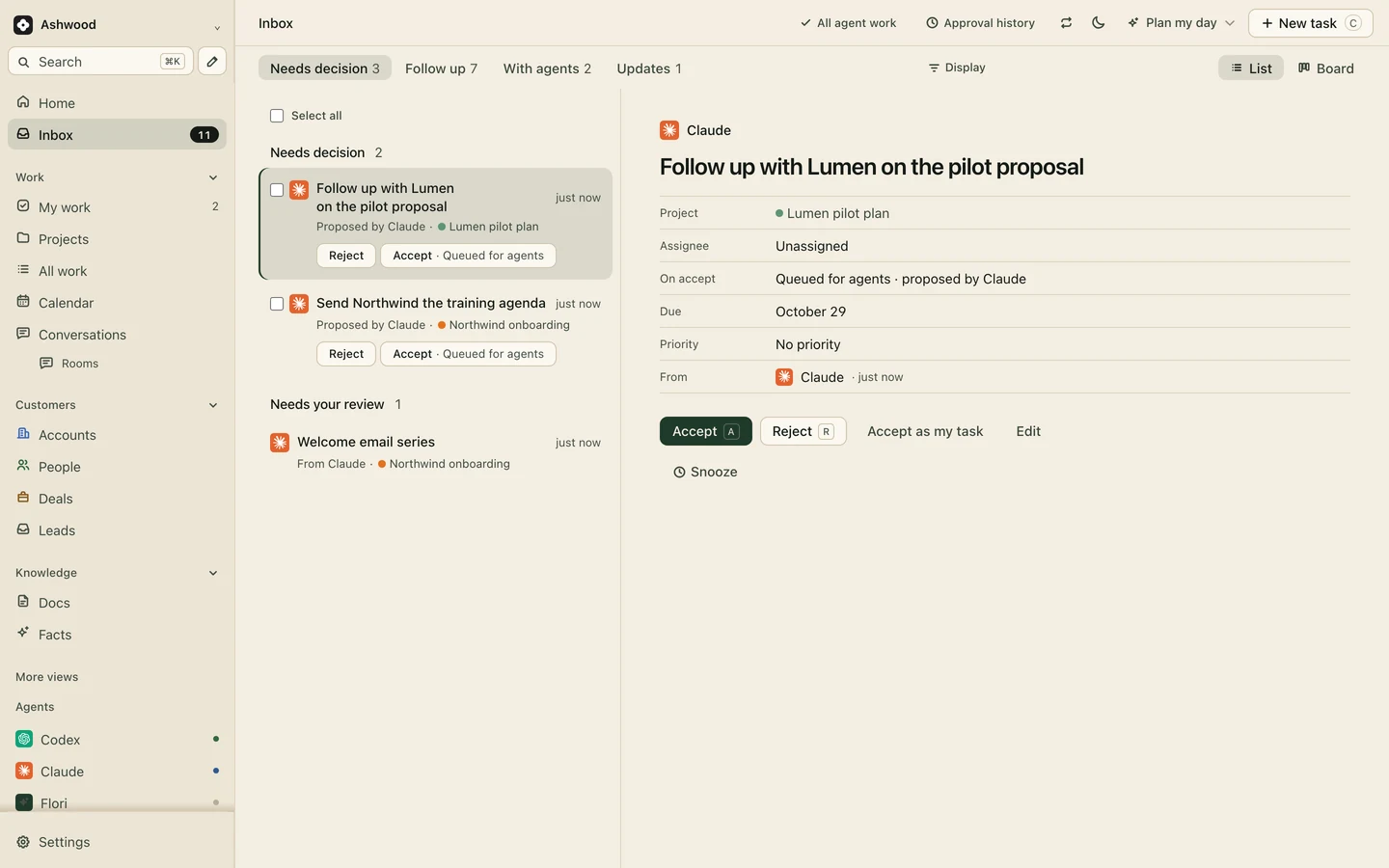
Connect the Claude or ChatGPT your team already pays for to draft the client note for each deliverable. Drafts wait in a review queue with approve, request changes and undo, and only what someone publishes reaches the client.
Drafts wait for a person before the client sees anything.
The page sits on the client’s record
Each client page belongs to a project, and the project sits on the account with the people, the deal and the documents. When Orchard’s renewal comes up, the work they approved this year is already there.
Orchard Co. · Account
LifecycleCustomer, renewal due
Renewal$24,000
ProjectsQ4 campaign, Brand refresh
GuestsDana Ruiz, Sam Okafor, free
One deliverable, from draft to approved
Fictional example: An example with Orchard Co. and a three-person studio.
Monday
Jordan finishes the landing page. Claude drafts a two-line note for the client from the task.
Tuesday
Maya fixes one sentence in the note and publishes the page and the note to Orchard’s client page.
Wednesday
Dana at Orchard opens the link between meetings and approves the page.
Thursday
The build task moves to in progress. Nobody sent a status email or chased a reply.
Client pages start on Core
Core adds client pages, unlimited projects and clients, forms and project templates. The Free plan has no client pages. Clients, guests and your assistants are free on every plan.
It covers what most clients use: seeing progress and approving work. It has no payments, no file requests and no white-labeling. If you need branded billing and uploads in one place, a dedicated portal tool fits better.
Do my clients need a paid seat?
No. Clients and guests are free on every plan, so adding Orchard’s marketing lead and her manager does not change your bill. They see only what you publish.
Can clients upload files or pay invoices on the page?
No. Collect files by email or a shared folder and link them on the task. Flori records invoices and payments received on Premium, but it does not send invoices or take payment. See the freelance invoice template.
What does a client page cost?
Client pages are on Core: $12 per person a month, or $10 billed yearly. A three-person studio pays $30 to $36 a month, with any number of clients.