Projects and tasks with real dependencies
Tasks have owners, due dates, subtasks and dependencies. A task waiting on the client stays visibly blocked until the logo arrives. Start a project from a won deal and the agreed scope comes with it.
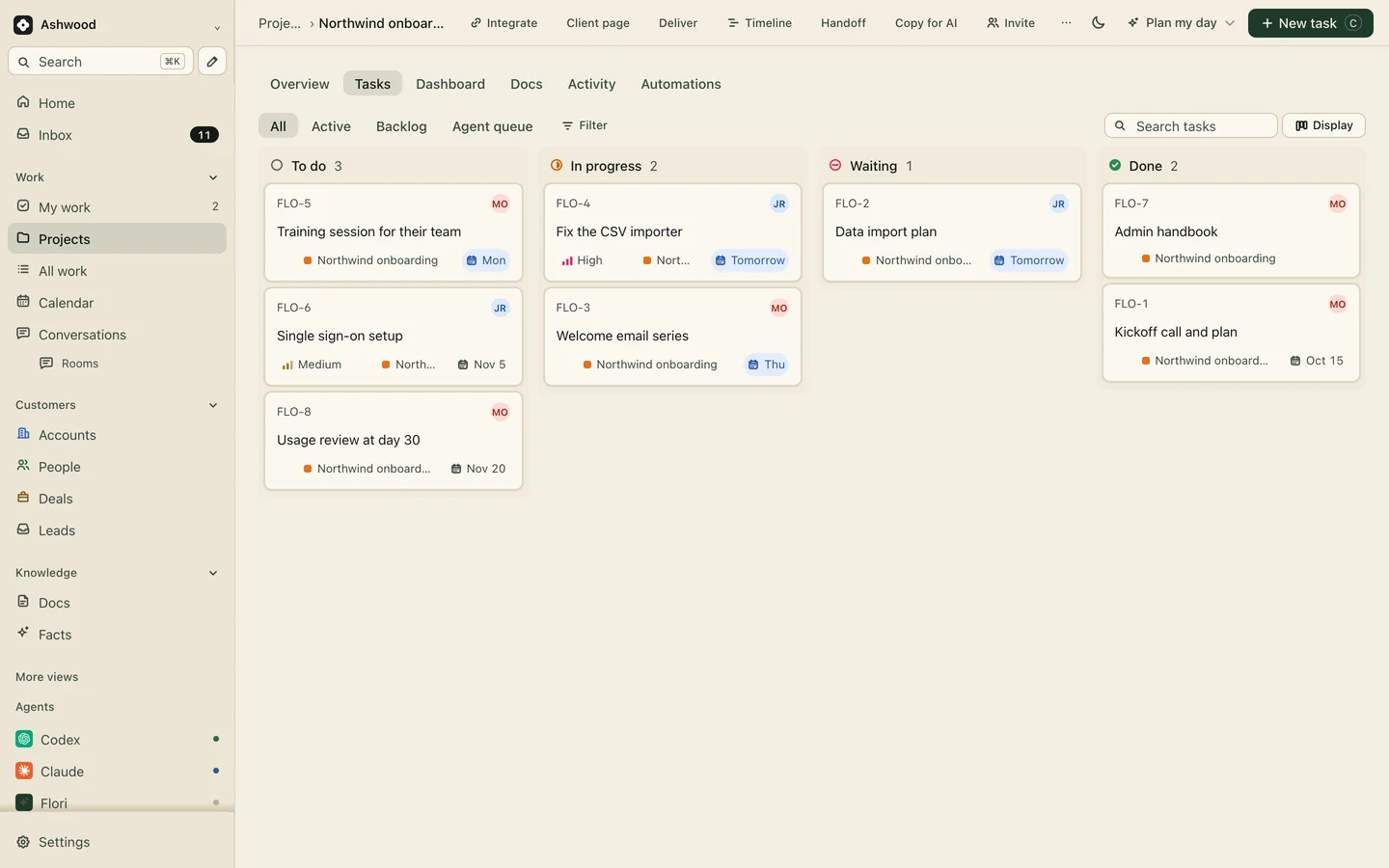
Every project sits on the record of the customer it is for. Tasks, docs and decisions live inside it, and your team, your client and your own AI assistants all work from that one place.
Fig. 1 · DemoNorthwind onboarding, in its first month
The project starts from memory, so the extra page the client asked for on a call never becomes a task.
Half the board is blocked on a logo or a login, and the status meeting is the first time anyone notices.
Someone rebuilds the client update every Friday from five tools, and it is out of date by Monday.
Tasks have owners, due dates, subtasks and dependencies. A task waiting on the client stays visibly blocked until the logo arrives. Start a project from a won deal and the agreed scope comes with it.
See a project as a list or a board, and your own tasks across every project in My work. Goals and dashboards show where the work stands without building a report.
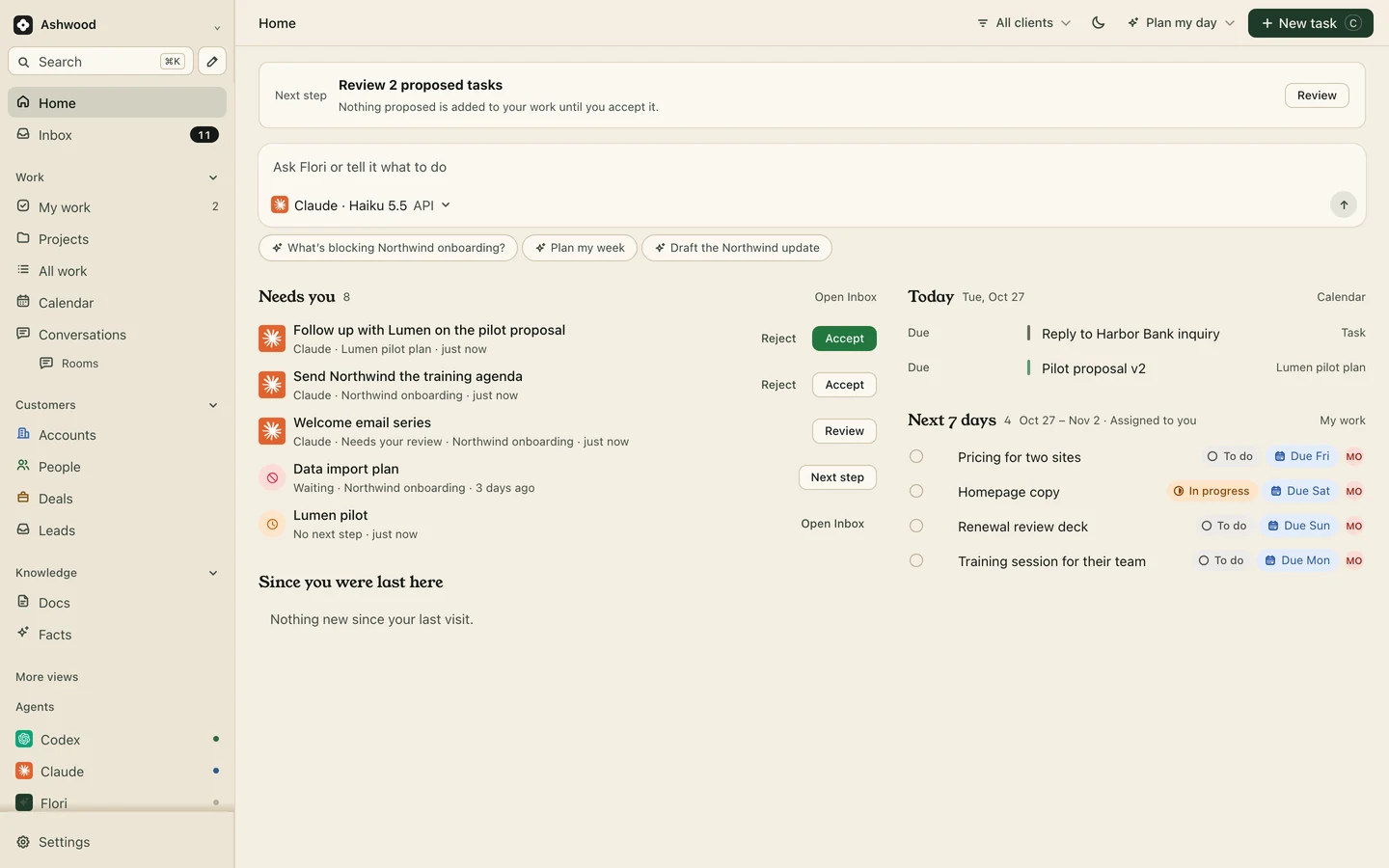
Briefs, meeting notes and how-you-work pages live beside the project and the customer. People and connected assistants read them before they start, so nobody works from an old chat thread.
Publish only what the customer should see. They follow progress and approve work from one link, and nothing reaches them until you publish it. Clients and guests are free.
Client pages: Core and up
Log time against a task and see where a fixed-price project ran over. Flori records time; it does not bill from it.
Fictional example: The same four steps whether the work is a launch email, a proposal draft or a bug fix.
Write what done looks like. Any assistant you connected can pick it up.
It reserves the task while it works, so other connected assistants can see the claim and wait.
Drafts, notes and links land on the task, with the assistant that made them.
Approve, ask for changes or undo. Nothing reaches the client page until you publish.
Free covers 3 active projects with unlimited people. Core removes the project limit and adds client pages, forms, Slack, GitHub releases and meeting notes. Clients, guests and your AI are never seats.
Core $12 per person a month, or $10 billed yearly
Start freeThree active projects, with unlimited people in the workspace. Core and Premium have no project limit.
On Core and up, a client page shows the customer only what you publish, and they can follow progress and approve work from one link. Clients do not count as paid seats.
Claude, ChatGPT, Grok, Cursor, Codex and Gemini CLI connect to Flori. A task marked Ready for AI is claimed by one assistant at a time, and the result waits for your review.
No. Projects work on their own. When you do use the CRM, a won deal can start a project with the scope already in it.